
Binance & Crypto Payment Gateway for Python
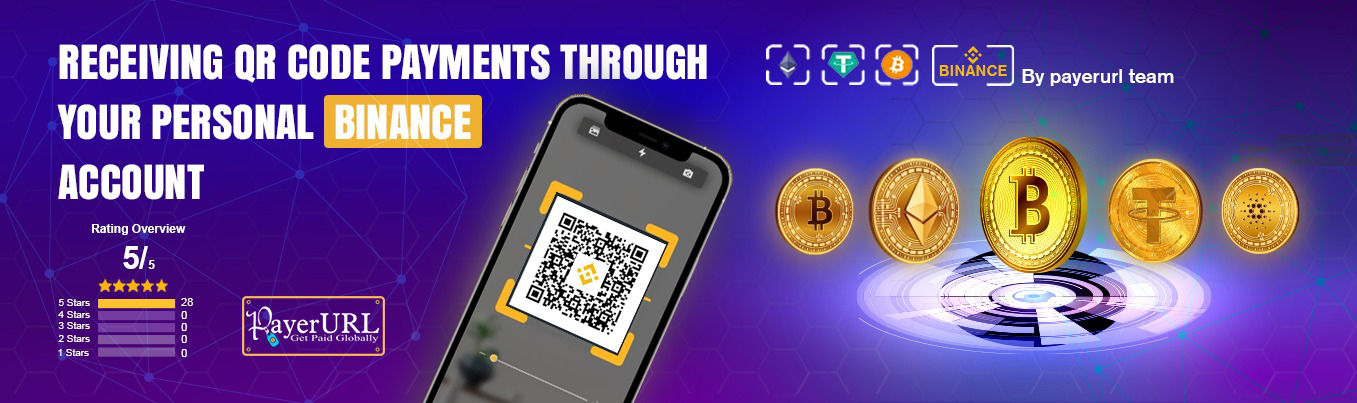
🚀 What Is This Package?
This is a free Python SDK/plugin that lets your online store accept cryptocurrency payments directly into your own wallet. Powered by PayerURL, it removes the middleman completely — meaning you get paid instantly with no extra fees or third-party holding your money.
You can accept Binance QR code payments using just a regular Binance account. No need to apply for a special Binance Merchant account. The system automatically converts any local currency like USD, EUR, or GBP into the correct crypto amount using live exchange rates. As soon as a customer pays, the money goes straight to your wallet and your store gets an instant payment confirmation via API.
🔴 LIVE DEMO
💳 Accepted Payment Methods
Accept payments from your customers using any of these popular options:
- ✅ Binance QR Code — works with a regular Binance account
- ✅ USDT — TRC20, ERC20, and BEP20 networks
- ✅ USDC — BEP20 and ERC20 networks
- ✅ Bitcoin (BTC)
- ✅ Ethereum (ETH) — ERC20 network
🌍 Why Developers & Shop Owners Love It
- ✅ Supports 169+ currencies — USD, EUR, GBP, CAD, BDT, and more
- ✅ Live exchange rates — customers always pay the correct crypto amount
- ✅ Instant wallet settlement — funds go directly to you, no waiting
- ✅ No KYC needed — get started without identity verification
- ✅ Secure API — every payment is verified server-to-server
- ✅ Instant order updates — your store status changes automatically after payment
- ✅ 100% free & open source — no hidden costs, ever
- ✅ 24/7 support via Telegram — help is always available
Support
For support and questions, please contact us via:
- Telegram: https://t.me/Payerurl
- Website: https://payerurl.com
🔑 GET API KEY
Get your API key: https://dash.payerurl.com/profile/get-api-credentials
🚀 How It Works
- Collect user and order info on your platform.
- Call the payment() function with required details.
- User is redirected to PayerURL payment page.
- After payment:
- User is redirected to redirect_url.
- Your backend receives a callback at notify_url with transaction details.
- On cancellation, user is returned to cancel_url.
Usage
from binance_and_crypto_payment import CryptoPaymentClient

client = CryptoPaymentClient(
    public_key="YOUR_PUBLIC_KEY",
    secret_key="YOUR_SECRET_KEY"
)

response = client.payment(
    invoice_id="INV001",
    amount=1.00,
    currency="USD",
    items=[{"name": "Product", "qty": "1", "price": "1.00"}],
    data={
        "first_name": "John",
        "last_name": "Doe",
        "email": "[email protected]",
        "redirect_url": "https://example.com/success",
        "notify_url": "https://example.com/notify",
        "cancel_url": "https://example.com/cancel",
    }
)

print(response)
Notify Url Callback
from django.http import JsonResponse
from django.views.decorators.csrf import csrf_exempt
from django.views.decorators.http import require_POST
from django.db import transaction
import logging

from binance_and_crypto_payment import CryptoPaymentNotify, CryptoPaymentException, StatusCode


@csrf_exempt
@require_POST
def payerurl_notify(request):
    notify = CryptoPaymentNotify(
        public_key="YOUR_PUBLIC_KEY",
        secret_key="YOUR_SECRET_KEY"
    )

    try:
        result = notify.process(request)

        if result["type"] == "cancelled":
            return JsonResponse(
                {"status": StatusCode.ORDER_CANCELLED, "message": "Order Cancelled"},
                status=200
            )

        data = result["data"]

        # -------------------------------
        # 🔥 YOUR BUSINESS LOGIC GOES HERE
        # -------------------------------
        # Example pseudo-code:
        # with transaction.atomic():
        # order = Order.objects.select_for_update().get  (invoice_id=data["order_id"])
        #     txn = Transaction.objects.select_for_update().get(order=order)
        #     if order.status == "paid" or txn.status == "success":
        #         return JsonResponse({"status": StatusCode.ALREADY_PROCESSED, "message": "Already processed"}, status=200)
        #     txn.transaction_id = data["transaction_id"]
        #     txn.status = "success"
        #     txn.raw_response = request.POST.dict()
        #     txn.save()
        #     order.status = "paid"
        #     order.invoice_id = data.get("ext_transaction_id", order.invoice_id)
        #     order.save()

        return JsonResponse({"status": StatusCode.SUCCESS, "message": "Payment processed successfully"}, status=200)

    except CryptoPaymentException as e:
        return JsonResponse({"status": e.code, "message": e.message}, status=400)

    except Exception:
        return JsonResponse({"status": StatusCode.INTERNAL_ERROR, "message": "Internal error"}, status=500)
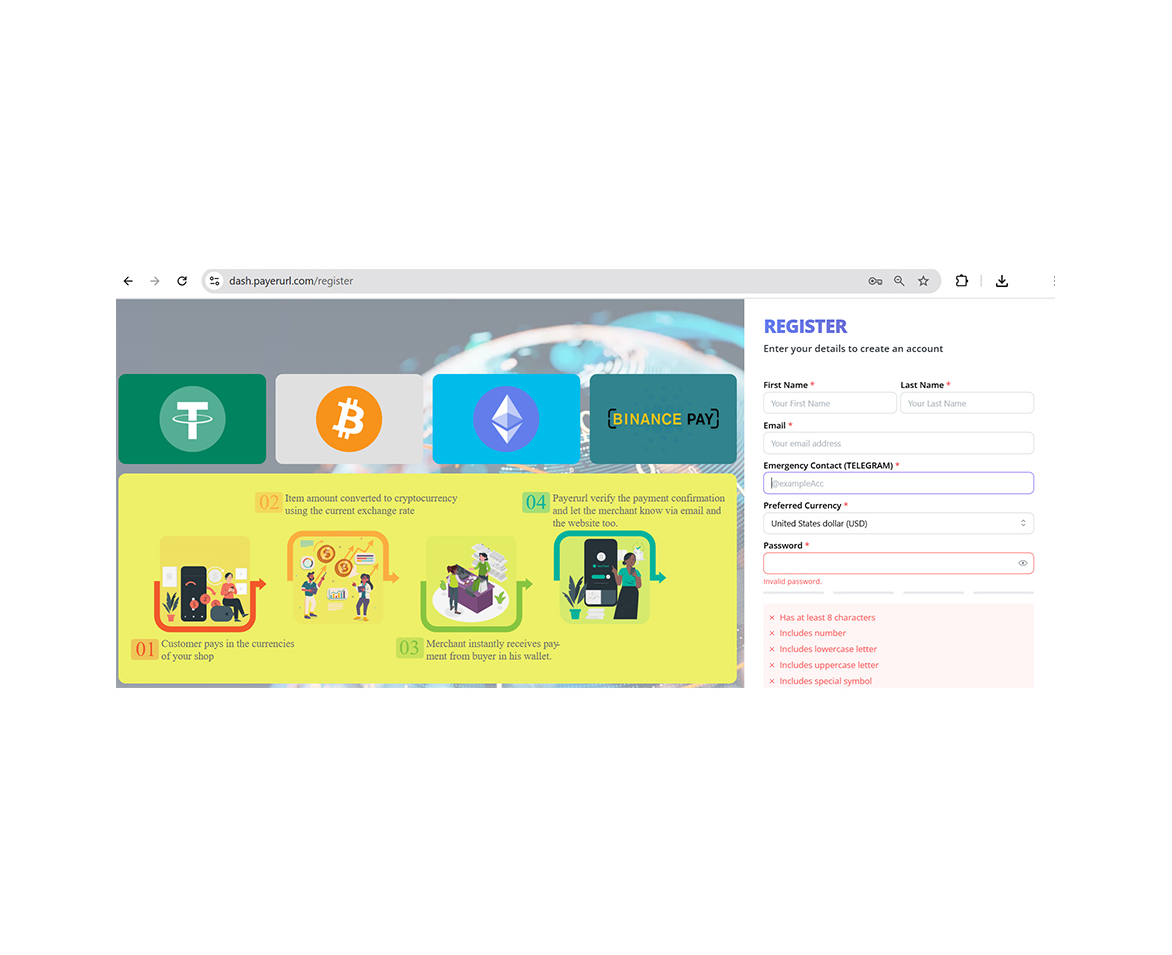
Create account
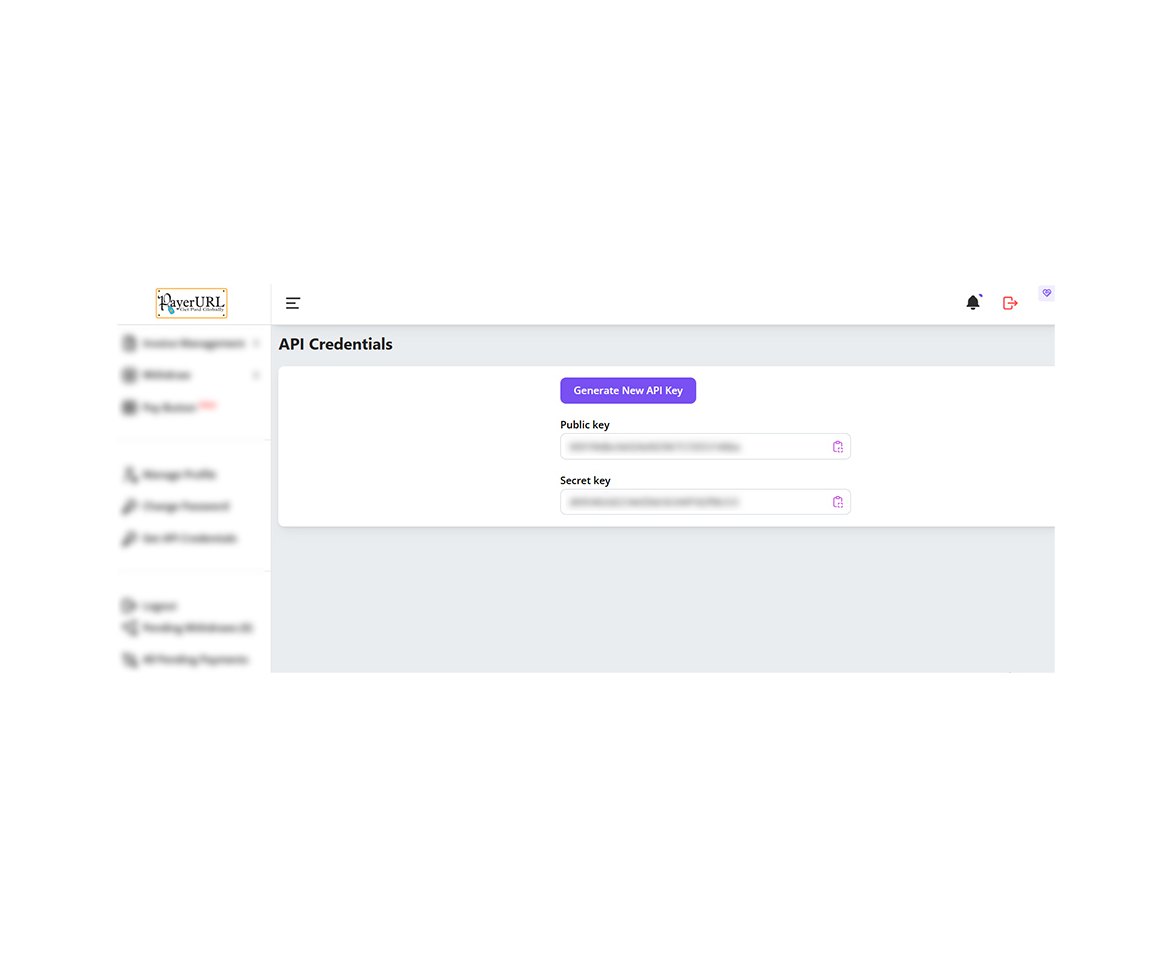
Generate API
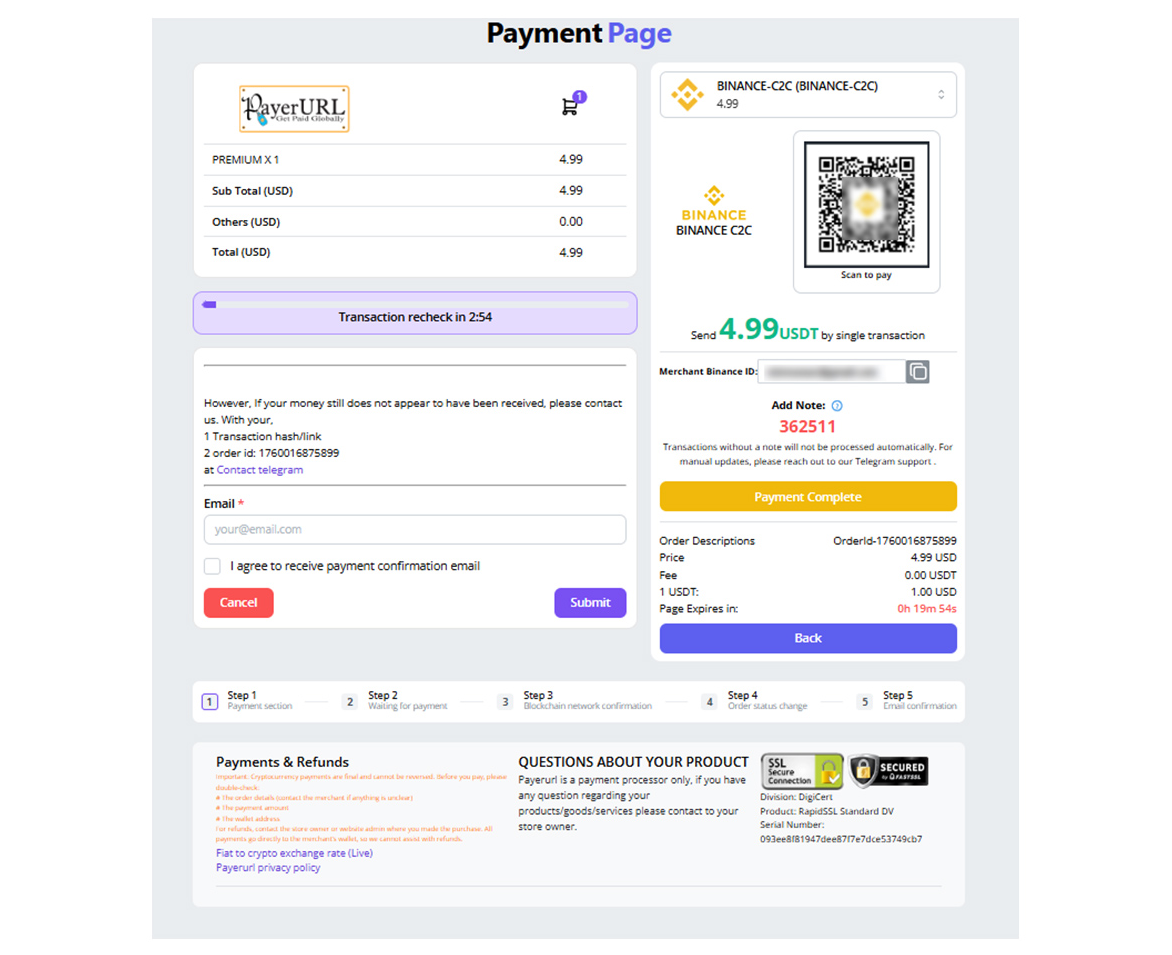
Binance payment page
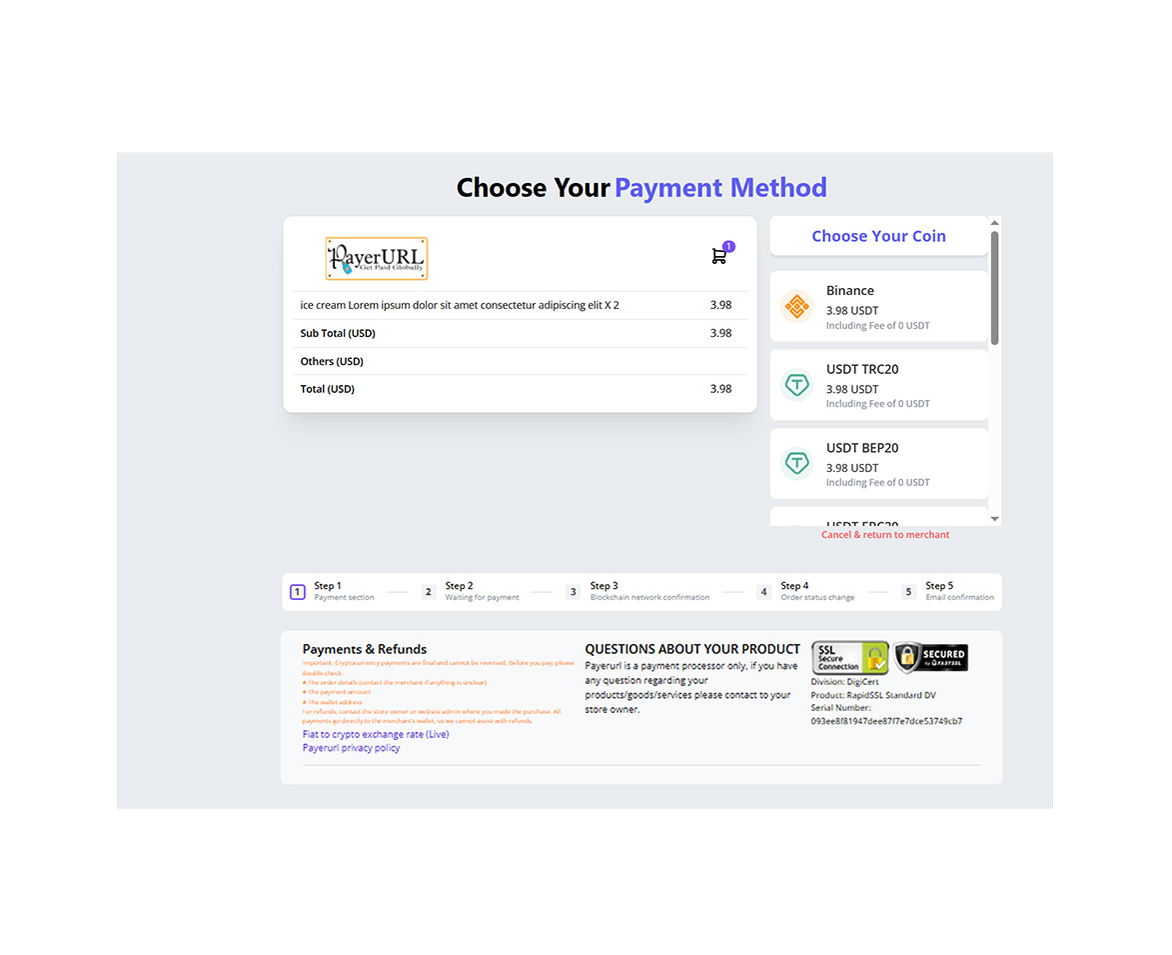
Payment checkout page
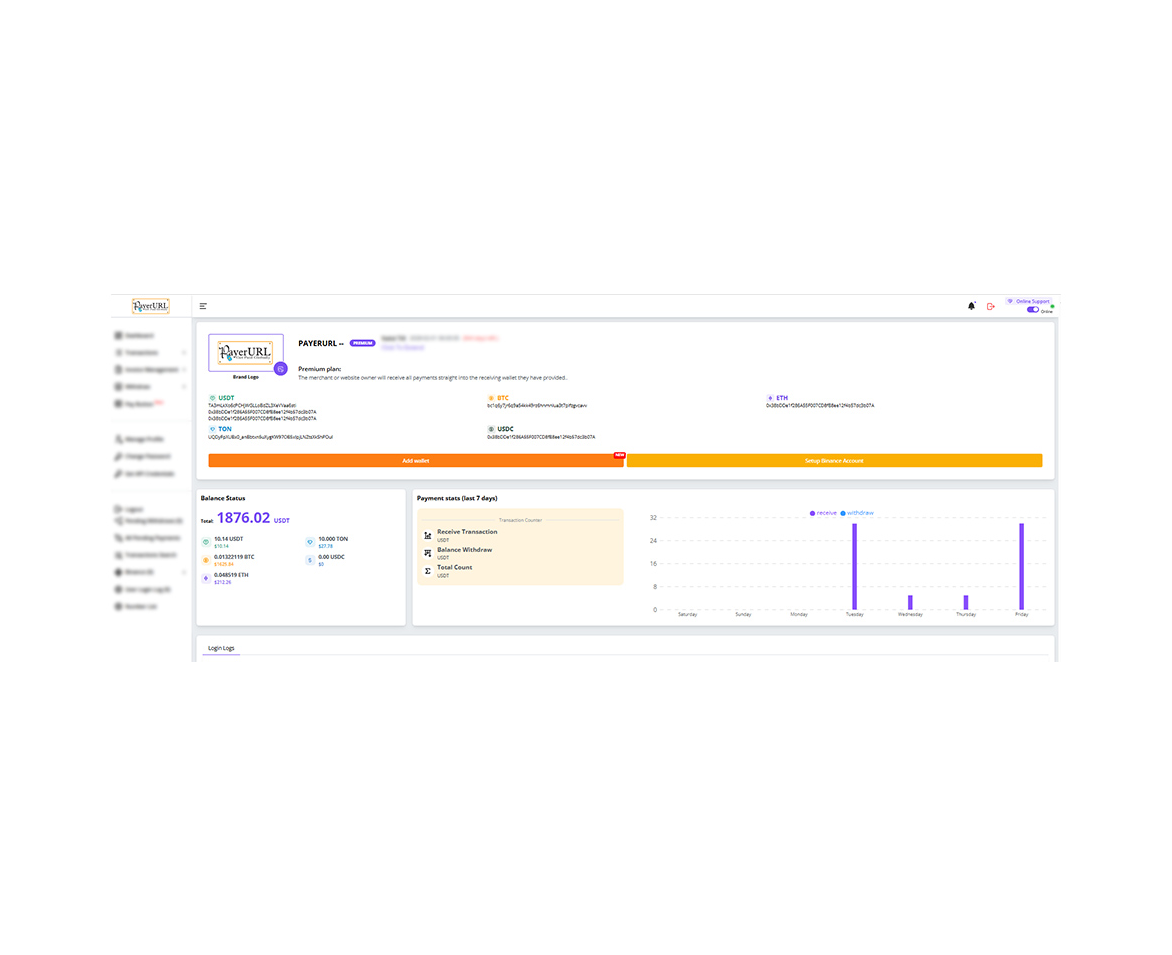
User dashboard
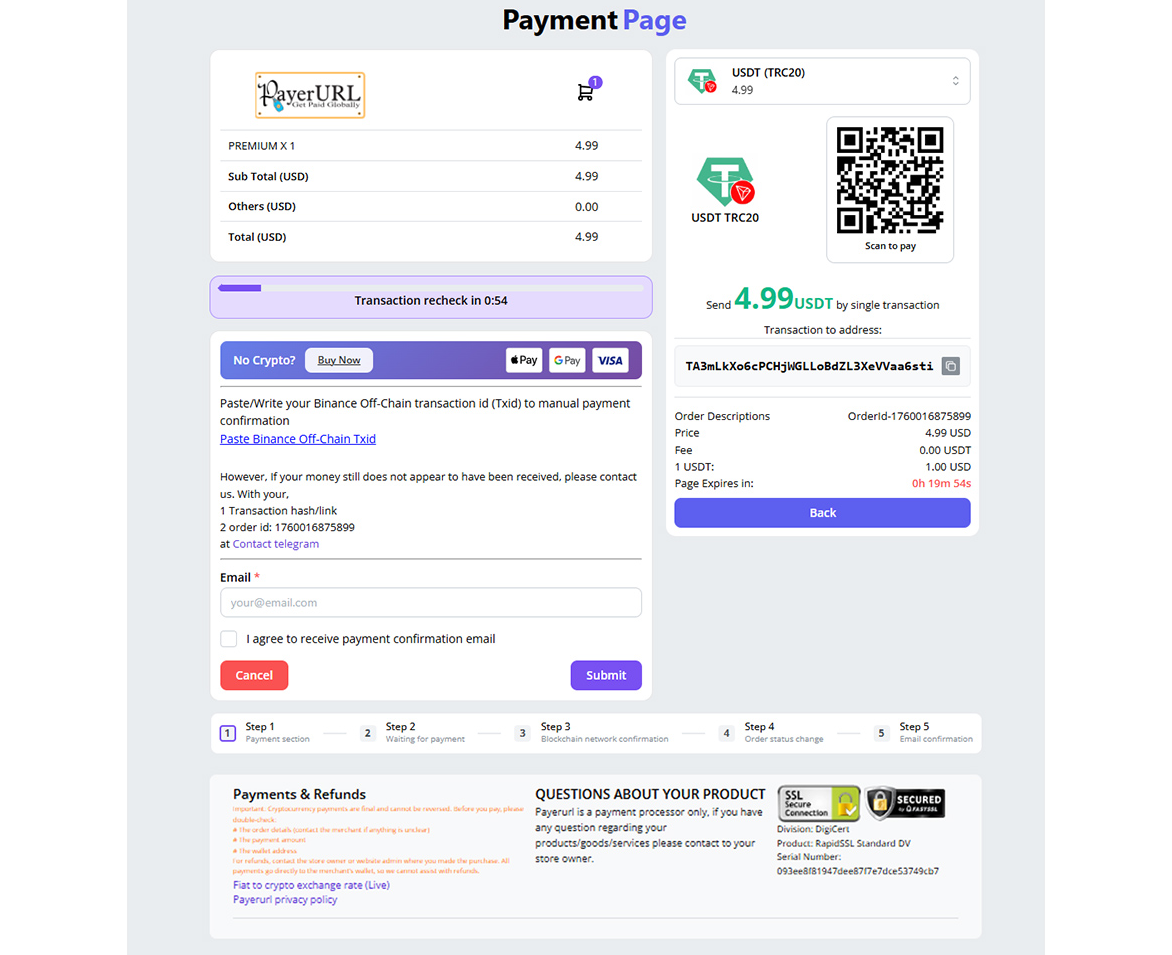
payment page screenshot
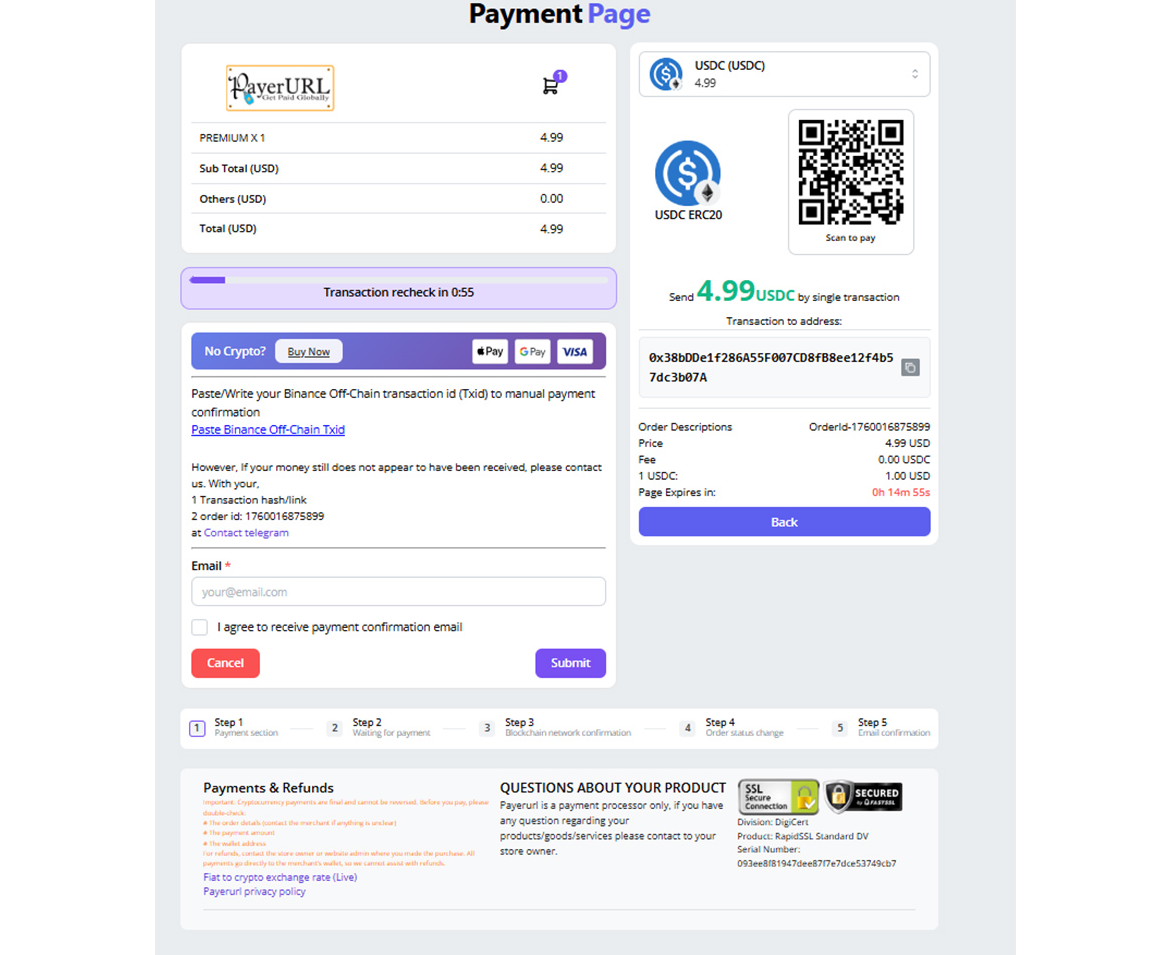
payment page screenshot
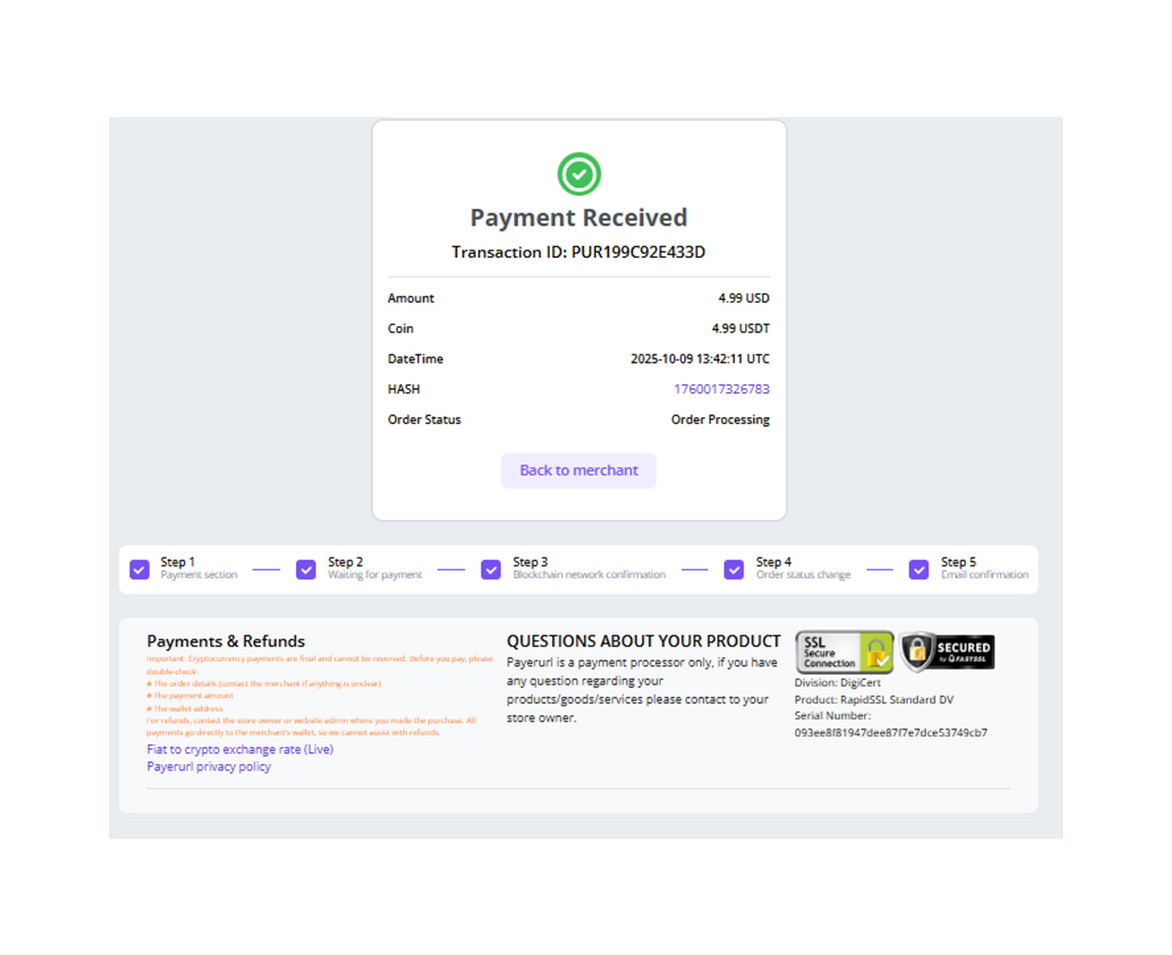
Payment confirmation
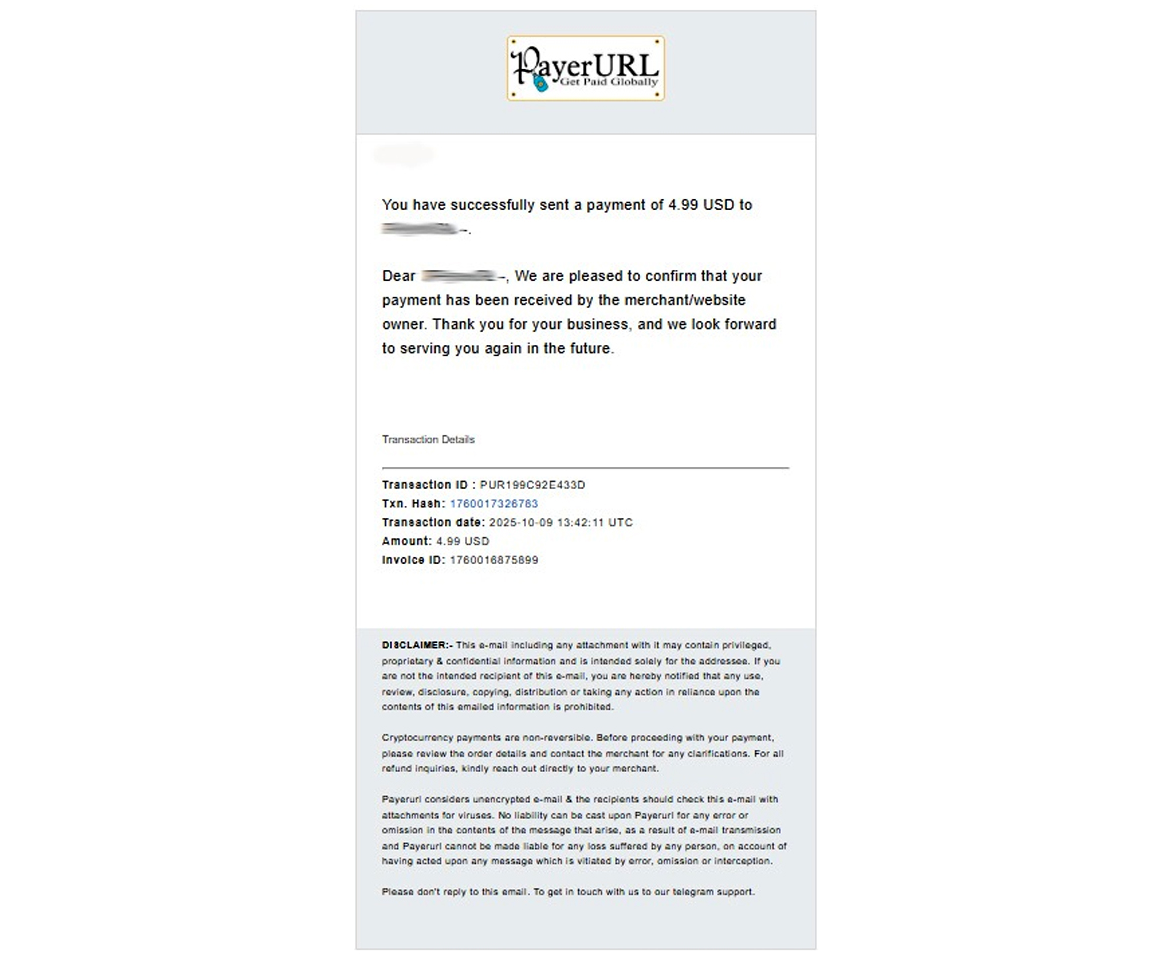
Payment confirmation email