WooCommerce Plugin
Accept USDT & Bitcoin on WooCommerce with ABC Crypto (Binance Pay) Looking for a fast, hassle-free way to accept crypto on your online store? The ABC Crypto Plugin (powered by Payerurl) is a high-performance WooCommerce crypto payment gateway that lets you accept payments direct-to-wallet. Skip the middlemen, third-party holding accounts, and complicated setup processes—get paid instantly and securely. ⚡ Key Highlights 1. Instant Binance Pay & QR Code Checkout Give your customers a frictionless, contactless checkout experience. By integrating Binance Pay via personal account APIs, shoppers simply scan a QR code to complete their purchase instantly with zero network fees and maximum protection against fraud. 2. Automated Real-Time Fiat Conversion No need to manually calculate rates! The plugin automatically converts 169+ fiat currencies (including USD, EUR, GBP, and BDT) into crypto at real-time exchange rates. Once the transaction confirms, your funds hit your wallet, and your store updates the order status to "Processing" automatically. 3. Direct-to-Wallet & No-KYC Convenience Enjoy true decentralization. Payments go straight to your personal crypto wallet. Basic accounts require No-KYC verification and no formal merchant approvals, letting you start receiving crypto in minutes. 🛠️ Features at a Glance Multi-Chain & Multi-Coin Support: Accept USDT (TRC20/ERC20), USDC, Bitcoin (BTC), Ethereum (ETH), and TON Coin. Direct-to-Wallet Settlement: Maintain 100% control over your private funds without intermediary delays. Universal Developer Integration: Fully optimized for WooCommerce 6.9.1+ and easily adaptable for Laravel, Node.js, PHP, Python, and OpenCart. 24/7 Developer Support: Get instant technical and API integration help anytime via Telegram. Why Choose ABC Crypto? Whether you are a store owner wanting to lower transaction fees or a developer looking for a 10-minute setup, ABC Crypto delivers a borderless, secure, and lightning-fast payment experience for Web3 commerce.
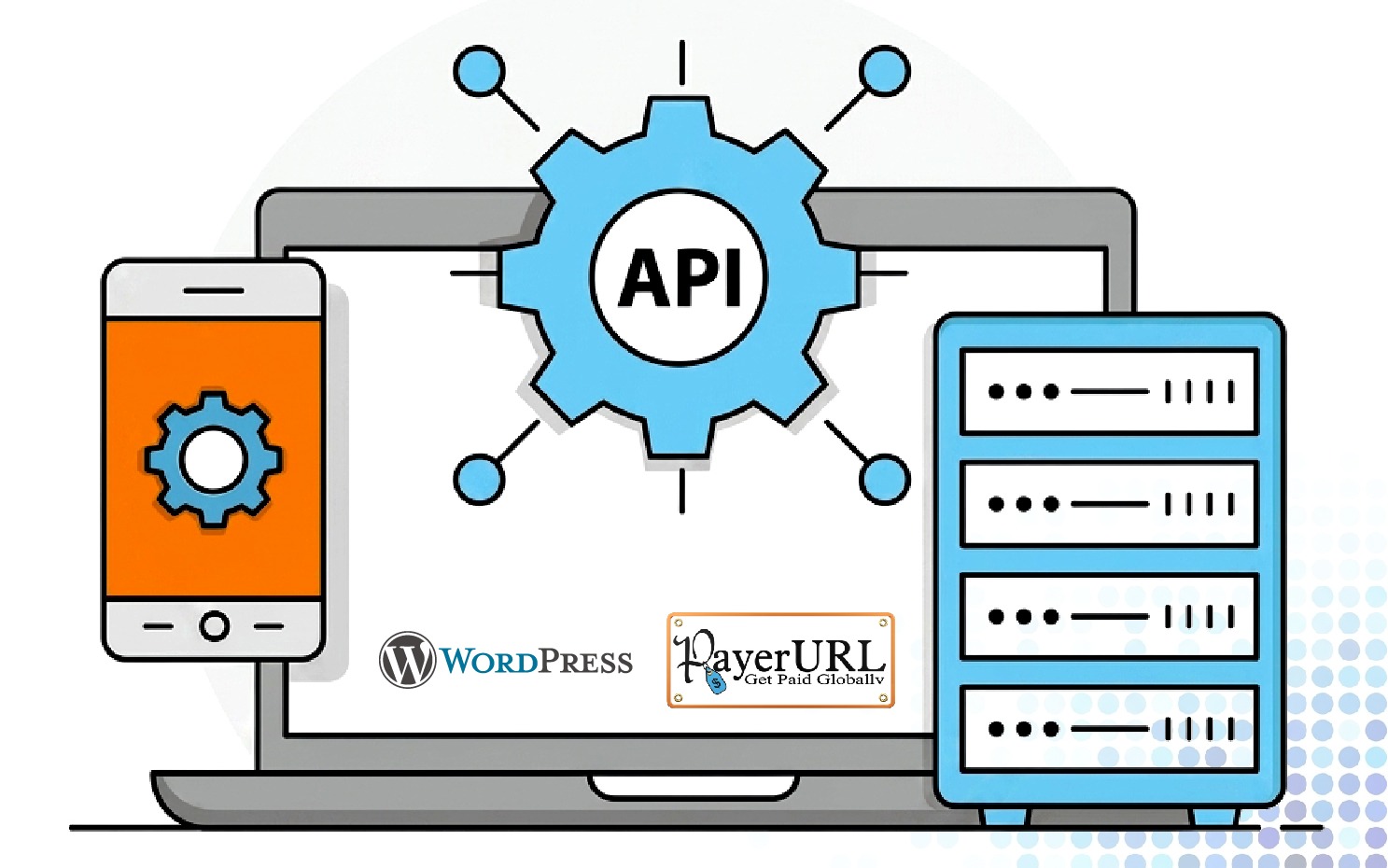
Easy Installation & Setup Guide
- Install the Plugin: Log in to your WordPress admin panel, navigate to the Plugins menu, and search for "ABC Crypto Checkout." Click Install and then Activate.
- Access the Payerurl Dashboard: Visit the official Payerurl Dashboard portal. Click on the Sign Up button.
- Create Your Account: Fill in your company, email, and security credentials to successfully deploy your new merchant gateway account.
- Generate API Keys: In your Payerurl Dashboard, click on "Get API Credentials" and select "Generate New API Keys" to get your unique API public and secret keys.
- Access WooCommerce Payment Settings: Log in to your WordPress admin panel, navigate to WooCommerce » Settings » Payments, and enable the ABC Plugin.
- Paste and Test Credentials: Paste your API public and secret keys into the designated fields and click "Test Credentials." You should see a notification confirming "both API key and secret key found".
- Access Wallet Settings: Log in to your Payerurl Dashboard and navigate to the "Add Wallet" configuration tab.
- Add Receiving Wallet Address: Enter your personal receiving crypto wallet address to activate support for the premium merchant subscription plan.
- Set Up Binance Payments: If you want to accept direct Binance QR payments on your storefront, configure your custom Binance API credentials within the dashboard settings.
- Customer Order: A customer places an order on your website and chooses the ABC Crypto Checkout payment option.
- Payment Process: The customer selects their preferred payment network and coin. A dynamic QR code appears on their screen, containing the payment invoice and cryptographic network details.
- Completing the Payment: The customer scans the QR code or copies the address to make the transfer. Payerurl.com automatically approves the transaction after secure blockchain confirmation.
- Order Confirmation: Customer instantly views a digital receipt with a unique transaction ID, while automated tracking notes update your WordPress order details.
- Instant Notifications: Automated email alerts immediately deliver comprehensive transaction summaries to both the merchant and the buyer.
- Settlement Payout: Funds deposit directly to your merchant account balance (basic users) or route instantly to your personal external crypto wallet.
Supported Crypto Networks & Blockchains

All checkout operations run entirely through end-to-end encrypted API tunnels. PayerURL never accesses or stores your store’s private keys or sensitive customer financial credentials. Your funds remain entirely yours.