Node.js Integration
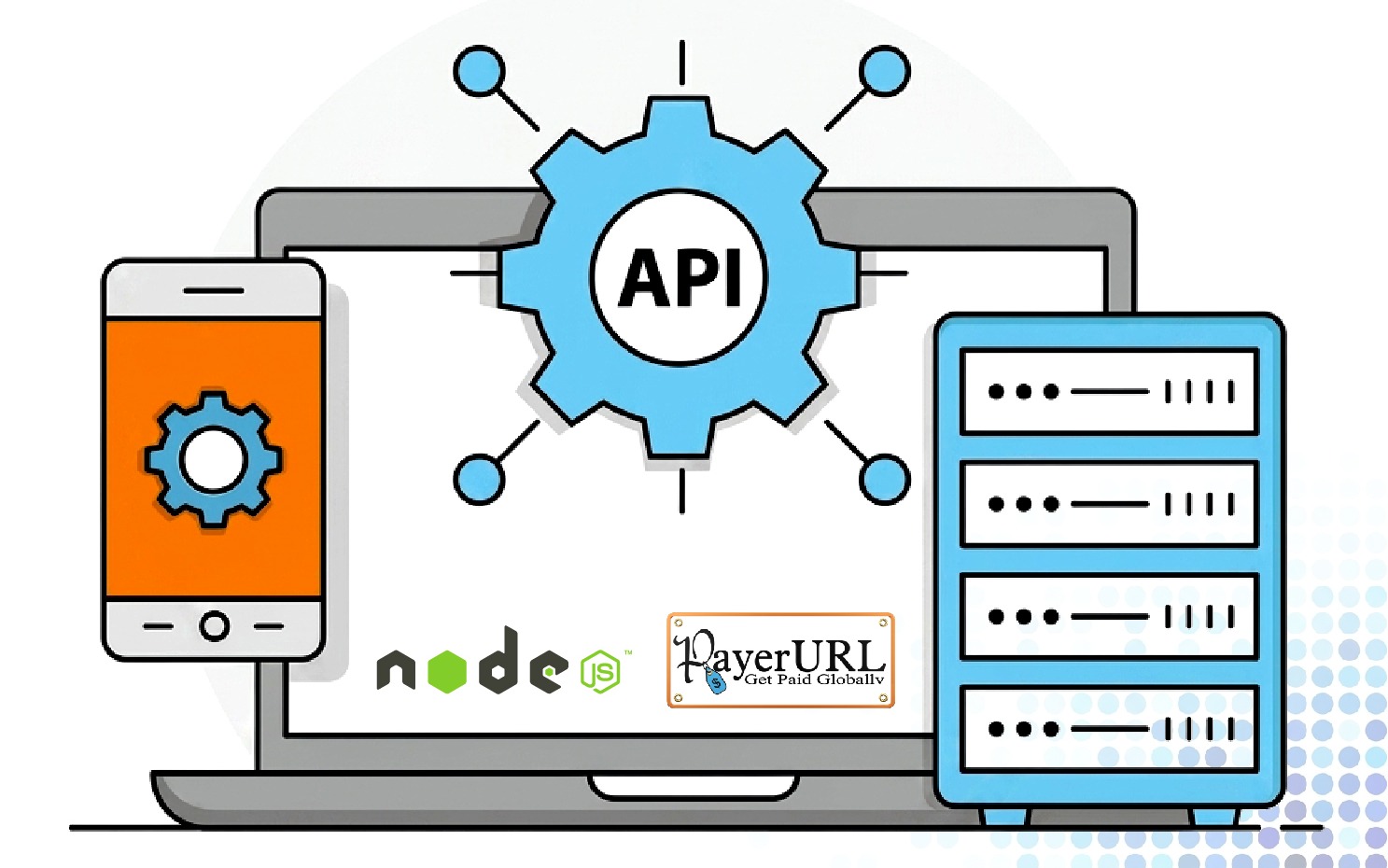
Accelerate your backend development with PayerURL’s official, open-source SDK for Node.js . Built under the MIT license, this lightweight package allows JavaScript and TypeScript developers to integrate a completely decentralized, direct-to-wallet checkout experience in under 10 minutes without requiring complex merchant account setups or KYC. The system automatically converts 169+ fiat currencies using real-time market exchange rates and securely signs every API payload using robust HMAC SHA256 signatures to prevent tampering. Once a user scans the personal Binance Pay QR code or transfers on-chain tokens, your application’s notify_url instantly receives a secure server-to-server webhook to automate your order workflows smoothly inside Express, NestJS, or Koa applications.
Easy Installation & Setup Guide
- Install SDK via Package Manager: Use npm for Node.js (npm install binance-and-crypto-payment) or pip for Python (pip install binance-and-crypto-payment) to install the core SDK packages.
- Configure Environment Variables: Create a secure environment configuration file (.env) to store your sensitive credentials away from the source code.
- Import the Client Library: Require or import CryptoPaymentClient inside your web application controller (compatible with Express, Django, Flask, or FastAPI).
- Generate Dashboard Credentials: Log into your Payerurl Account Dashboard, navigate to "Get API Credentials", and securely copy your unique Public Key and Secret Key.
- Bind Public and Secret Keys: Initialize your payment client instance in the application by passing the retrieved Public and Secret Keys directly into the config constructor.
- Enable Secure Webhook Routes: Define specific server endpoints to receive automated event payloads when cryptocurrency checkout operations complete or change states.
- Define Transaction Amounts: Establish structural items arrays containing product info, item quantities, and baseline pricing matching your stores supported flat or fiat rates.
- Set Redirect and Notify URLs: Provide custom routing endpoints (redirect_url, notify_url, cancel_url) within the request configuration block to manage target customer paths.
- Map Customer Identity Metadata: Include basic communication arrays such as target emails, first/last names, and unique dynamic invoice tracking hashes for order identification.
- Establish Direct-to-Wallet Routing: Map non-custodial destination configurations or Binance Account API options to receive processed customer assets directly into external cold-storage wallets.
- Handle API Tunneling & Exceptions: Wrap client payment connection functions within asynchronous try/catch logic blocks to handle unexpected connection parameters smoothly.
- Extract Web Checkout Target Links: Read back incoming success payloads and instantly extract the direct transaction gateway web link parameter (redirect_to).
- Run Automated Sandbox Mockups: Trigger mock payment initializations inside local testing environments to guarantee checkout redirects are forwarding properly.
- Verify Order Processing Handlers: Write callback listeners parsing incoming webhooks to automatically shift individual database order conditions to "processing".
- Launch Production API Routes: Turn on production environment flags, activate SSL network channels, and seamlessly begin accepting digital asset configurations across live frameworks.
Supported Crypto Networks & Blockchains

All checkout operations run entirely through end-to-end encrypted API tunnels. PayerURL never accesses or stores your store’s private keys or sensitive customer financial credentials. Your funds remain entirely yours.